| Field Type | Description |
|---|---|
| Text input | Text inputs for free-form alphanumeric data |
| Number input | Text inputs designed exclusively for numerical data |
| Date/time input | Structured input controls for dates and times |
| Selection | Structure controls to choose one or more options from a predefined set |
| File/media upload | Controls for uploading, selecting, or managing files and media assets |
| UI/Formatting | Controls that allow users to influence the visual presentation, layout, or style of content |
| Scripting | Specialized interfaces for users to write, edit, or interact with code or logical configurations |
| Relational | Controls designed to manage and display relationships between data entities and records |
| Advanced | Complex or highly specialized interactive components that offer unique interaction models |
Input
When it comes to gathering precise information, Text, Number, and Date/Time inputs are your go-to controls. These essential fields are designed for direct data entry, enabling users to provide specific values like names, quantities, descriptions, or exact dates and times. They are crucial for collecting explicit details from users and often come with built-in validation to ensure the information entered is in the expected format.
Text
Text input controls allow users to enter free-form alphanumeric data. They are among the most common form elements and are essential for capturing textual information. They capture short or long-form text, including names, descriptions, addresses, or any other string-based data.
Examples

Char: Single character input field, typically for very short, specific text entries

String (Full UTF-8): Single-line text input field that supports a full range of Unicode characters, accommodating various languages, symbols, and emojis. It is similar to String field however supports a wider range of characters.
Number
Number input controls are specialized text inputs designed exclusively for numerical data. They often include additional features to facilitate entry and ensure data integrity. They capture numerical values, such as quantities, ages, monetary amounts, or measurements.
Examples

Phone number: An input field designed for phone numbers, which may include formatting or country code selection

Currency: An input field for monetary values, often including currency symbols and formatting
Date & Time
Date and time input controls provide structured ways for users to select or enter specific dates and times. They often include interactive calendars or time pickers to simplify the selection process. They capture date and/or time information, such as start dates, due dates, timestamps, or scheduled events.
Examples
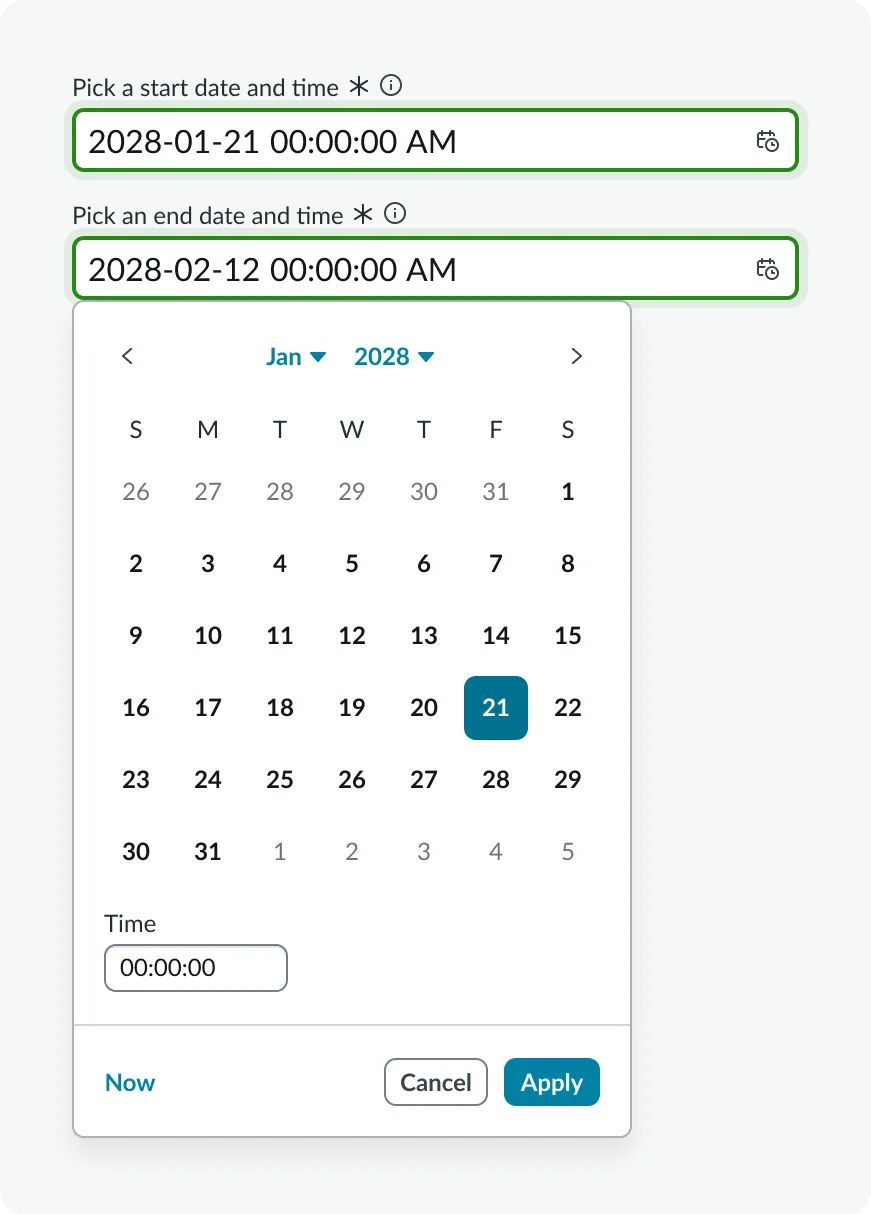
Date time interval
Selection
Selection controls enable users to choose one or more options from a predefined set. They are crucial for guiding users and standardizing inputs. They allow users to make choices from a limited or extensive list of options.
Examples

True/false: A binary control (e.g., checkbox or switch) that allows users to select between two states, usually 'on' or 'off'

Choice: A dropdown control that allows users to select a single option from a predefined set
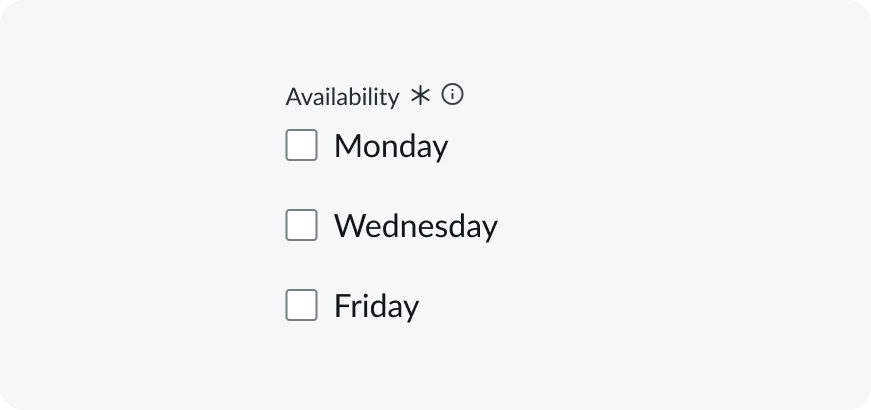
Checkbox
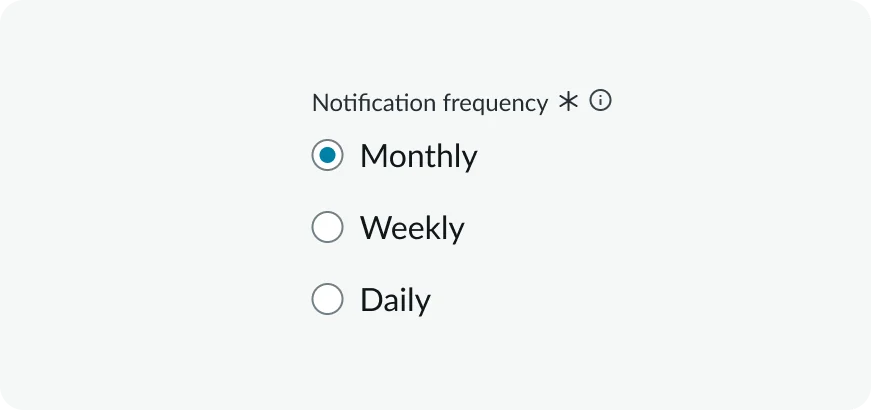
Radio button: A radio button control that allows a user to select exactly one option from a mutually exclusive group
File or media upload
File and media controls facilitate the uploading, selecting, or managing of files and media assets within the application. They enable users to interact with files, such as uploading documents, images, videos, or other media.
Examples

File attachment: A control that enables users to attach files from their local system to a record or form

Image: A control specifically for uploading, selecting, or displaying image files
UI/Formatting
UI and formatting controls provide users with the ability to influence the visual presentation, layout, or style of content within the application. They empower users to customize the appearance or structure of data and content.
Examples
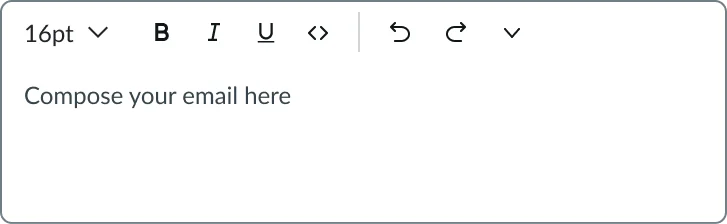
Rich text editor: A multi-line input field with formatting tools for enhanced text input
Scripting
Scripting controls provide specialized interfaces for users to write, edit, or interact with code, expressions, or logical configurations directly within the application. They enable advanced users (e.g., developers, administrators) to define custom logic, automation, or data transformations.
Examples
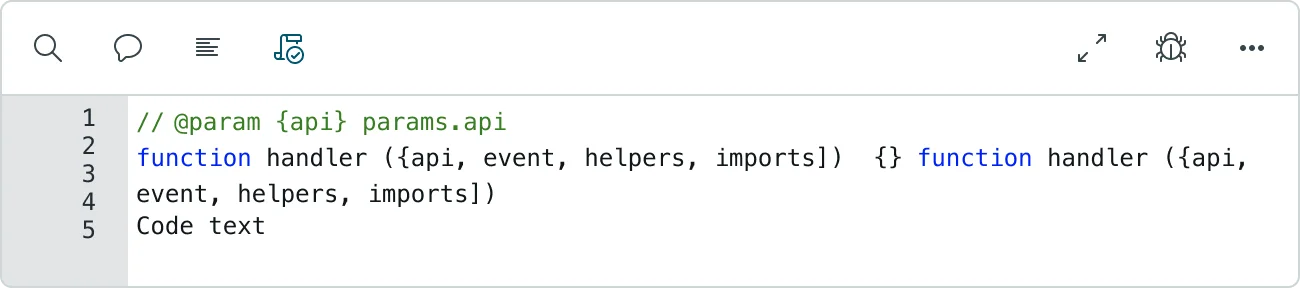
Script editor: Color-coded JavaScript editor control enabling users to enter custom scripts with syntax highlighting, error detection, and debugging support for form automation

HTML Script: A control Combined HTML and JavaScript editor control providing syntax highlighting for both markup and embedded scripting with live preview capabilities
Relational
Relational controls are designed to manage and display relationships between different data entities or records within the system. They often involve searching and linking to other existing data. They allow users to link, reference, or select related items from other tables or datasets.
Examples
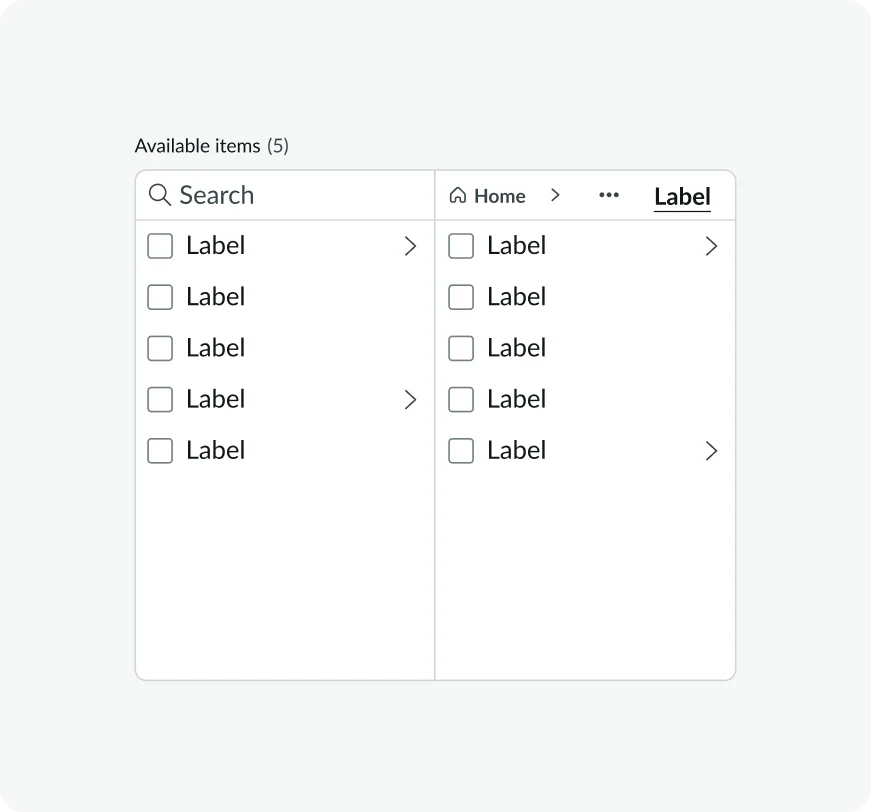
List selector: The List selector is a visual component that enables users to select, remove, or move available items in a form or a list
Advanced
Advanced controls encompass more complex or highly specialized interactive components that don't fit neatly into the other categories. They often combine functionalities or offer unique interaction models. They provide sophisticated or highly contextual interaction patterns for specific use cases.
Examples

Condition builder control: This control enables access to visual rule builder control for creating complex conditional logic without coding, featuring multiple condition sets with AND/OR operators.

Condition string: Text-based conditional logic input control that allows users to define rule expressions using string syntax, supporting operators, variables, and logical statements