

Anatomy
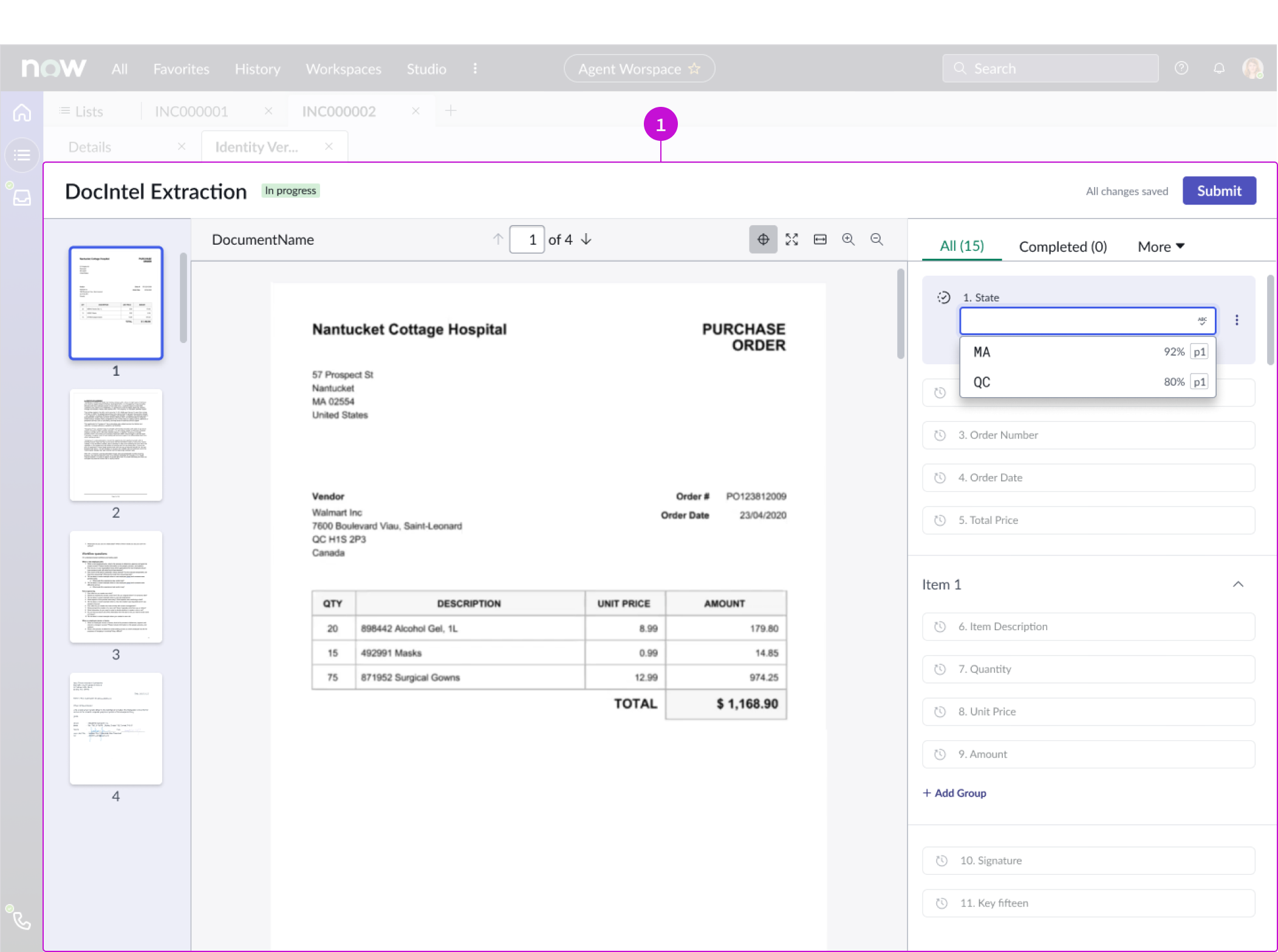
- DocIntel iFrame: Container that holds the DocIntel application
Usage
The DocIntel iFrame is used only to hold the DocIntel application. For more information on the DocIntel application, see below.
Document Intelligence workspace
Configurations
Learn how to customize DocIntel by configuring the available properties.
Task ID
Configure this property to assign a the Task ID to the document.
Source URL
You can configure the source url to define the URL of the document that will display in the DocIntel iFrame.
Design recommendations
Learn how to apply DocIntel iframe in your design.
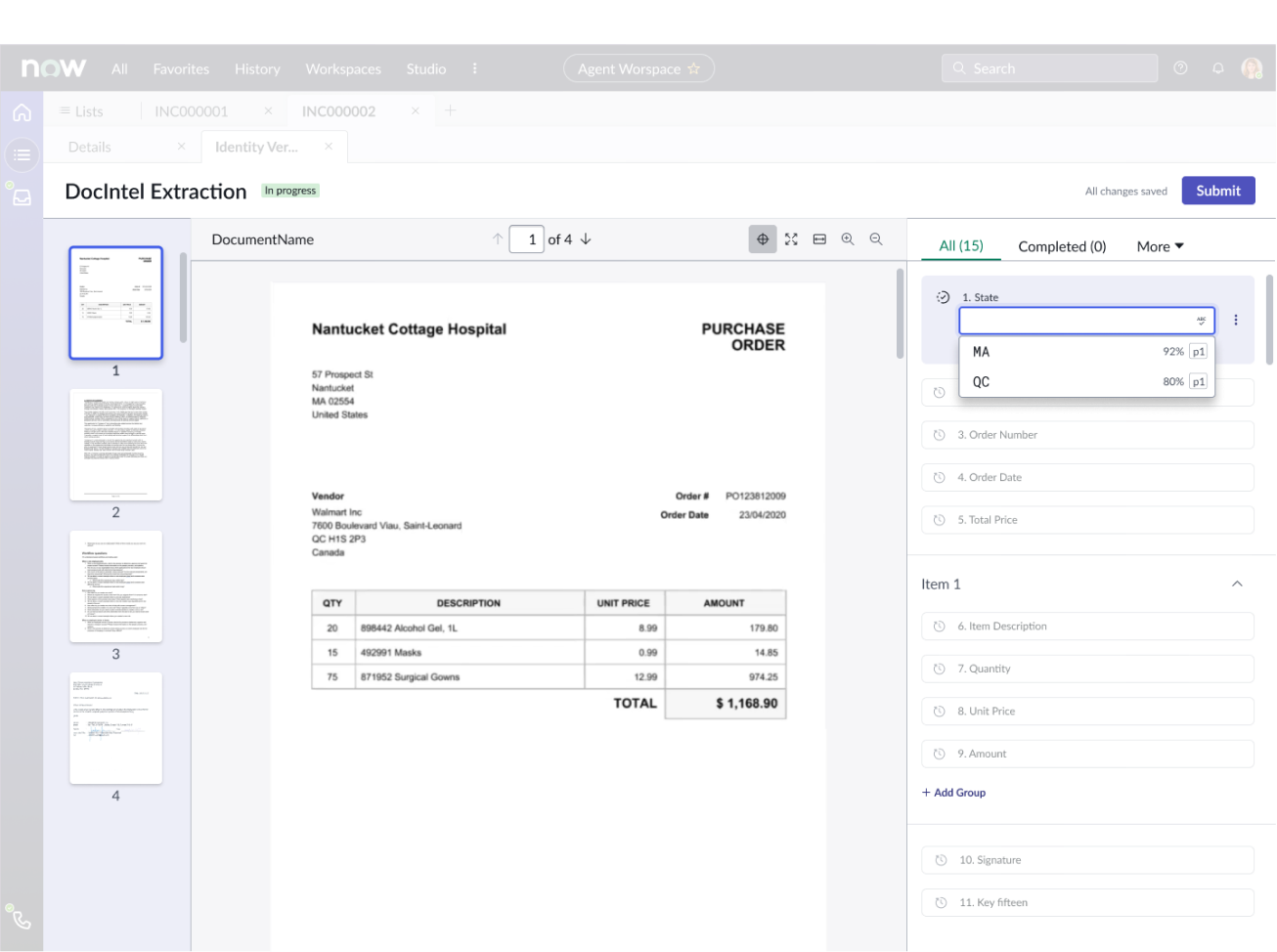
Do set DocIntel iFrame to display at 100% width and height, which will enable the component to take up most of the page.
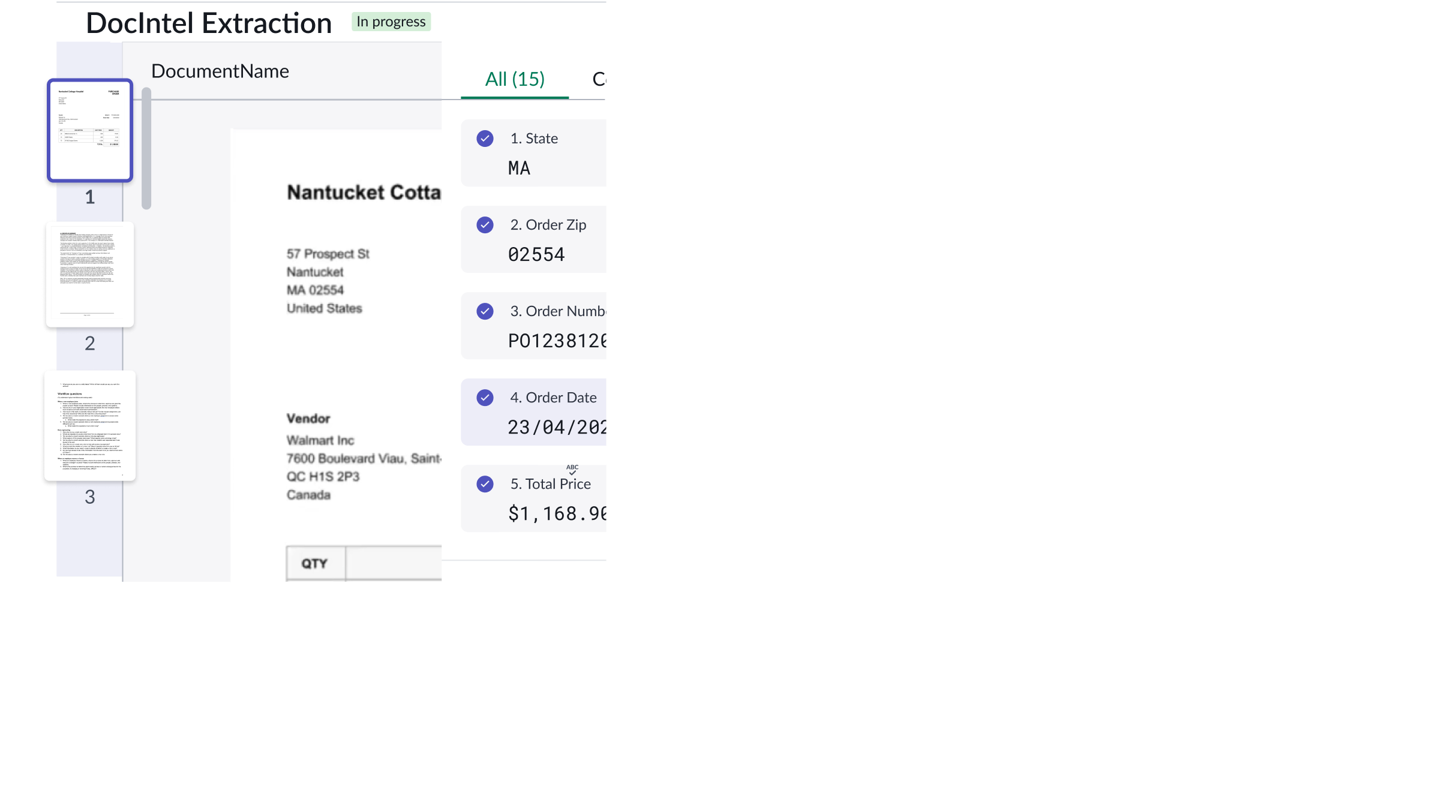
Don’t place the component in a small container.
Alignment and positioning
The DocIntel iframe should be used to contain the DocIntel application.
Behavior
DocIntel iFrame doesn’t have any specific behaviors.
Usability
DocIntel complies with all internationalization and accessibility requirements.
Internationalization
DocIntel iFrame doesn't change for right-to-left (RTL) languages.
Accessibility
DocIntel iFrame doesn’t have any specific accessibility interactions.
Keyboard interactions
The DocIntel iFrame isn’t accessible from the keyboard. However, when used within the DocIntel iFrame, the DocIntel application has the following keyboard interactions:
| Key |  |
|---|---|
| Tab | Moves to the next interactive element |
| Shift + tab | Navigates to the previous interactive element |
| Arrow keys | Navigates within a group |
| Focus on fields |  |
|---|---|
| Enter | Focus moves to the next field |
| Shift + tab | Focus moves to previous field |
| Arrow up | Expands the options list and highlights the first option |
| Arrow down | Highlights the next option in the list |
| Focus on document viewer |  |
|---|---|
| Ctrl + . | Navigates to the next page of the document |
| Ctrl + , | Navigates to the previous page of the document |
| Ctrl + g | Navigates to the page of the highlighted suggestion |
Screen readers
DocIntel iFrame has no elements that a screen reader can announce.