
Overview
Alt text describes the purpose and content of visual elements by providing a textual description of images, graphics, icons or non-text elements. It allows screen reader users to comprehend visual information, ensuring an inclusive and accessible digital experience. Alt text is an essential aspect of accessibility in mobile design, here are a few practical benefits of it:
- Alt text serves as a replacement for the visual content for users who cannot see the image, such as individuals using screen readers.
- Mobile devices might sometimes have slow internet connection, resulting in images not loading. Alt text provides a textual representation, allowing users to understand the content that would otherwise be missing.
Principles

Creating accessible alternative text requires attention to 3 key principles:
- Descriptive Accuracy: Alt text should accurately describe the information or function of the image concisely.
- Non-redundant: Keep alt text brief and to the point, avoid redundancy with information already provided textually adjacent to the image, avoid unnecessary phrases like "image of..." or "graphic of...".
- Context Relevance: The description should be appropriate to the context of the image within the application.
All non-text content should have an proper text alternative, except for situations outlined as exceptions listed in the guidelines section below.
Guidelines
When implementing alt text for various types of non-text content in digital media, it's crucial to apply a thoughtful and structured approach to ensure content is accessible to all users. Below you can find guidelines on how to approach alt text for different cases of non-text content.
Descriptive Identification
In certain situations, the text alternative should capture and convey the essence of the non-text content, this could involve a brief description of the key visual elements or the essence of the experience. The goal of descriptive identification is not to replicate the visual or the experience in text form but to give the user an understanding of what the non-text content is and why it's important within the context it's presented.
1. Informative Images/Content
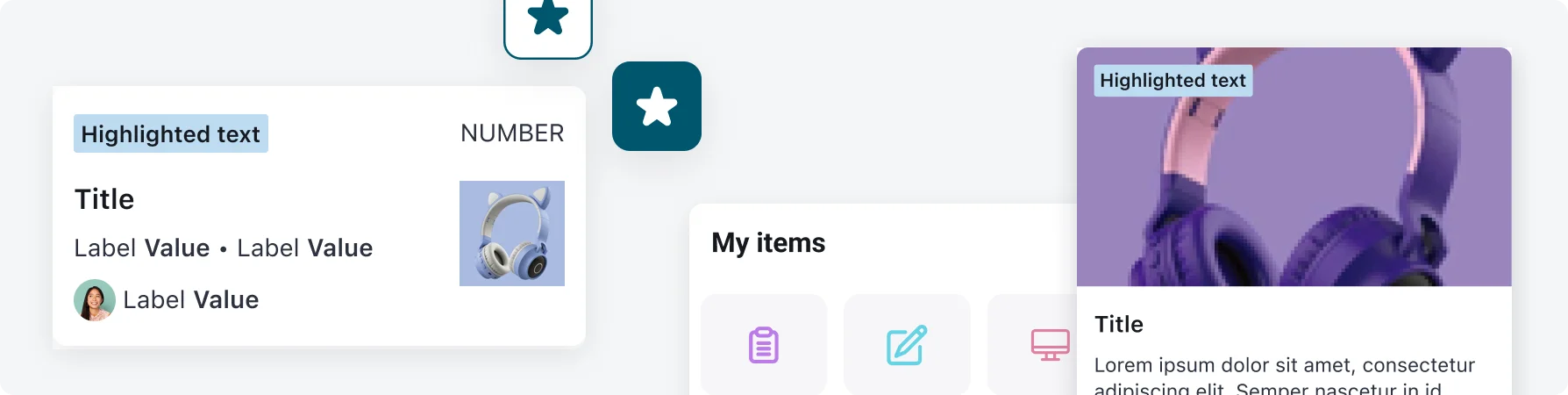
For non-text content that is meant to communicate information, describe the key information or purpose of the image/non-text content.
2. Functional Content
For non-text content that performs a function, the text alternative should describe the action it will initiate.
3. Complex Graphics
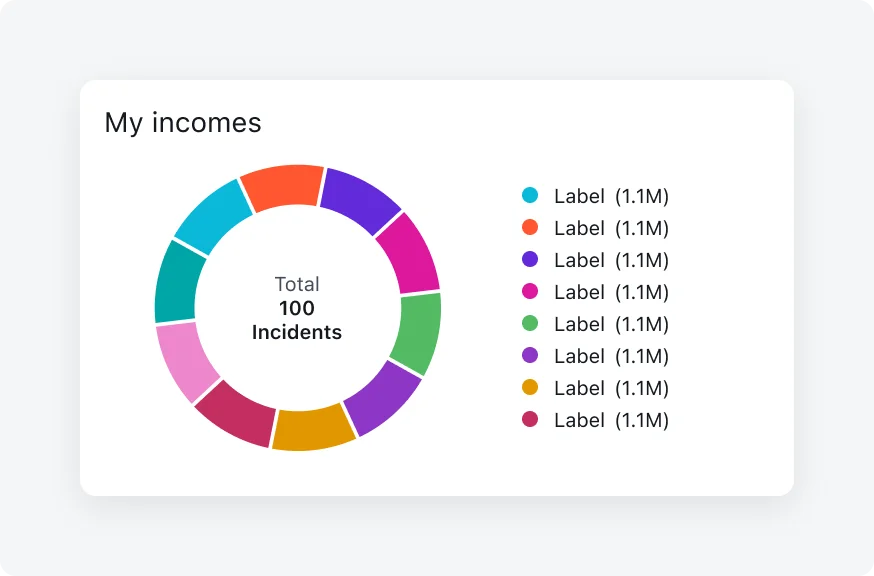
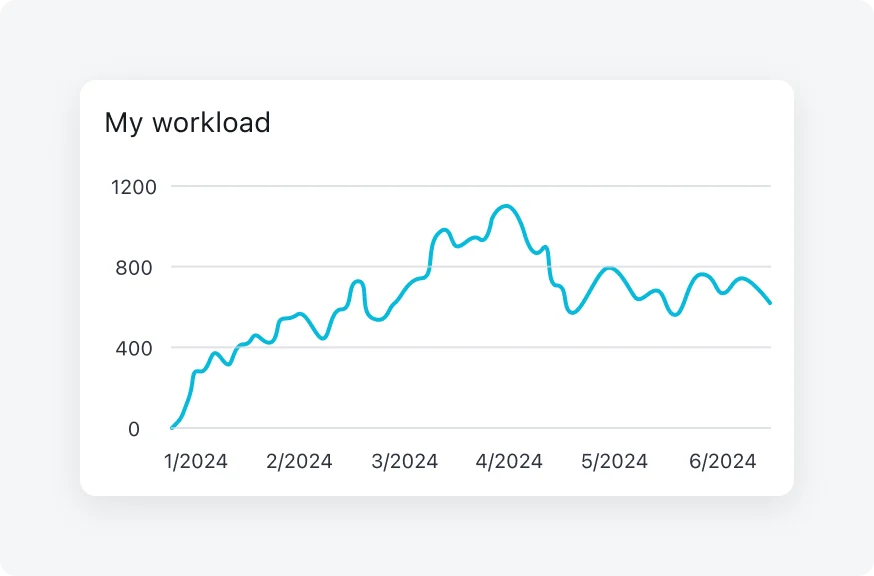
For complex graphics, such as charts or diagrams, the alt text should give a concise description or summary of the graphic's content.
Optional:
- Next to the graphic, you can provide additional text that goes into more detail about the content of the graphic. This could be a summary, explanation, or analysis that's accessible to all users, not just those using screen readers.
- If a more comprehensive description is needed than what's practical to include directly on the page (e.g., a detailed analysis of a complex chart), you can include a hyperlink in the adjacent text that directs users to a separate page or document with the full description.
- Ensure that the text of the link clearly indicates its purpose, such as "Read a detailed description of the chart." This clarity helps users understand what to expect from following the link.
4. Tests
If the non-text content is a test, quiz or exercise, that would be invalid if presented in text, text alternatives have to provide description of the content without giving away the answer.
5. Time-Based Media
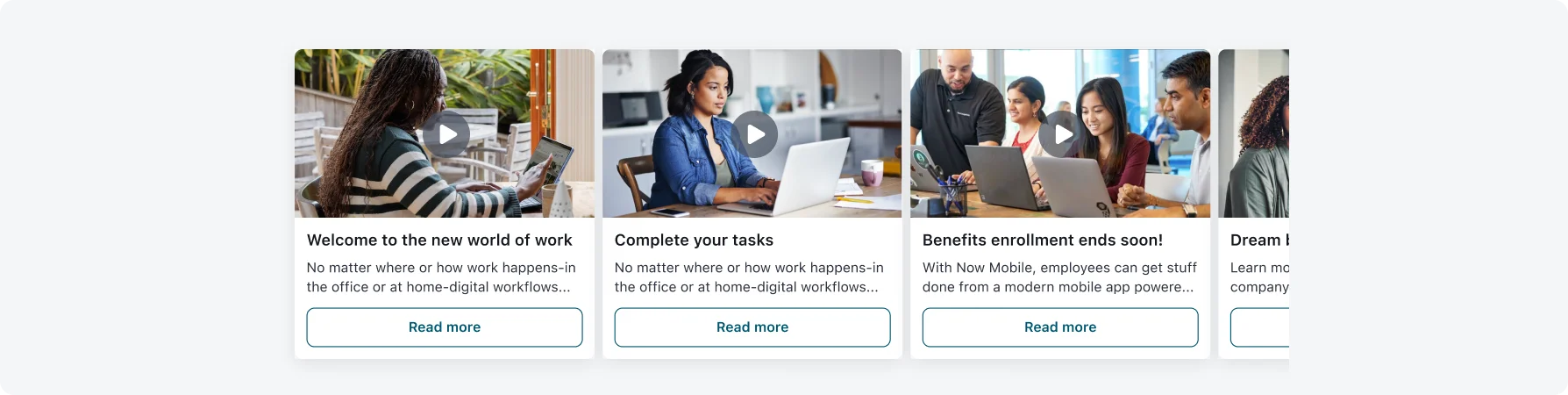
Time-based media is content that is presented over time, such as audio or video. Simply providing a static text alternative may not sufficiently convey the dynamic and temporal nature of such content (read more in Guideline 1.2: Time-based media).
The following guidelines suggest 2 approaches for time-based media content:
- Descriptive Identification: At a minimum, time-based media should have text alternatives that provide descriptive identification. This could involve a brief description of the key visual elements of a video or the main topics covered in an audio clip.
- Extended Alternatives: For more complex or content-rich time-based media, extended text alternatives may be necessary. This could take the form of a transcript for audio content or a descriptive video service (audio description) that narrates the visual information of a video for blind and low-vision users.
6. Sensory
If non-text content is primarily intended to create a specific sensory experience (for example: an audio track of a forest scene intended to convey the tranquility of nature or a visual artwork meant to evoke a particular emotion), then text alternatives must at least provide descriptive identification. This means the text alternative should capture and convey the essence of that experience to users who may not access the content through traditional sensory means.
7. CAPTCHA
CAPTCHAs (tests to tell humans and computers apart) are necessary for security but can pose accessibility challenges. Therefore, The following guidelines suggest a different approach for CAPTCHAs:
- Firstly, the alternative text has to describe the purpose of the non-text content only.
- Secondly, it is required that alternative forms of CAPTCHAs that accommodate different disabilities are provided
For example: if a CAPTCHA uses visual puzzles, an audio alternative should be offered). The aim is to ensure everyone, including those with disabilities, can access the security feature without being excluded.
Exceptions
The criteria states that all non-text elements that are presented to the user must have alt text, except for the situations listed below:
1. Controls, Input
If non-text content is a control or accepts user input, then it should already have a name that describes its purpose (According to success criterion 4.1.2: Name, Role, Value). Therefore it doesn’t need to have alt text too.
2. Decoration, Formatting, Invisible
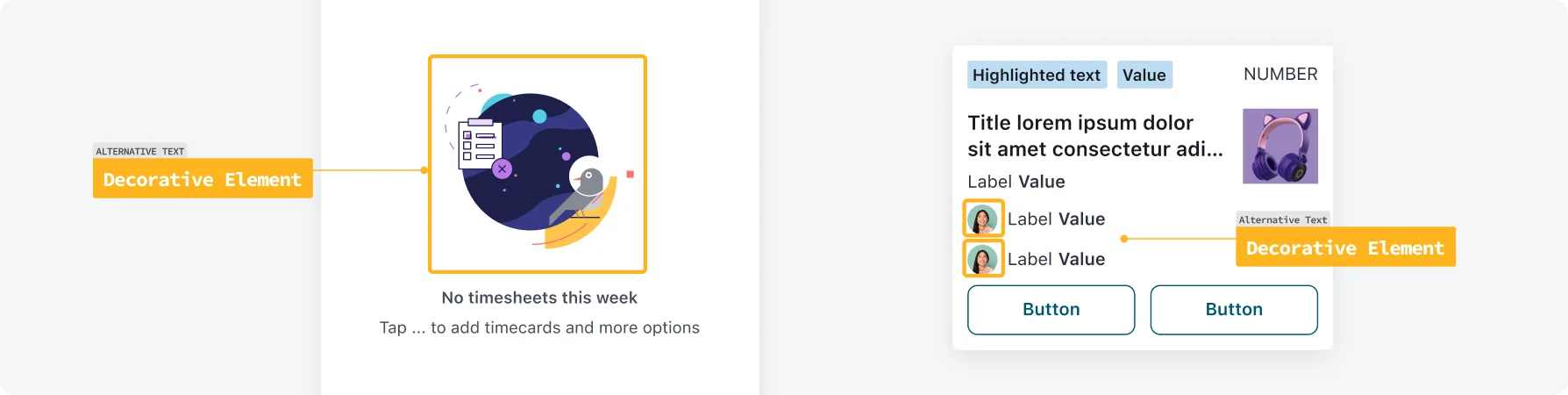
If non-text content meets the requirements of one the following, than it is exempt from having alt text. In this cases, the non-text element should be implemented in a way that it can be ignored by assistive technology - use an empty alt attribute (alt="").
Decorative elements:
Pure decoration content that is serving only an aesthetic purpose, providing no information, and having no functionality. This includes images and visual elements that are used solely for aesthetic purposes or to create a visually appealing layout without intending to convey information or perform a function. Examples include background textures, borders, and spacer images used to maintain the visual design of a page.
Formatting content:
Formatting elements are used to organize content on the page visually, like using a different colored text to highlight a section header or using a line to separate sections. While these formatting choices can help sighted users navigate the content more easily, they don't always serve a functional purpose that needs to be described to users of assistive technologies.
Invisible content:
This refers to content that is present on the page but intentionally hidden from all users, including those using a screen reader. Examples might include content that is available for SEO purposes but not meant to be directly consumed by users, or interface elements that are made visible only when interacted with in a certain way, like a menu that appears when a button is hovered over but is not otherwise visible.
Leading Practices
- Ensure every non-text element has concise and accurate alt text unless it meets the exception, follow the guidelines in the section above to understand what the alt text should convey for different types of elements.
- Don’t repeat information that is already provided textually near the element.
- Avoid redundant text like "image of..." or "graphic of..." to avoid repetition for screen reader users.
- If an element is a control or input, alt text is not needed (read more in the Guidelines - Exception 2).
- If an element can be considered as decorative element, formatting content or is invisible, alt text is not needed (read more in Guidelines - Exception 2).
- In your designs: mark and provide alt text for non-textual elements that require it. Additionally, define which non-textual elements are “Decorative elements” and mark them.
Leading Practices - iOS (Developers)
- Provide alternative text labels for all important interface elements (eg., when working with icon buttons, it can be helpful to give them an explicit accessible name using the aria-label attribute. aria-label overrides any text content inside the button, letting you clearly describe the action to anyone using a screen reader.)
- System-provided controls have useful labels by default, but you need to create labels for custom elements. For example, if you create an accessibility element that represents a custom rating button, you might supply the label “Rate.”
Human Interface Design - VoiceOver/Navigation
Leading Practices - Android
- Alt text should be a short label (up to 125 characters).
- Include targeted keywords to help inform the user about the image. Keywords can also improve search engine optimization (SEO).
Provide meaningful labels and names
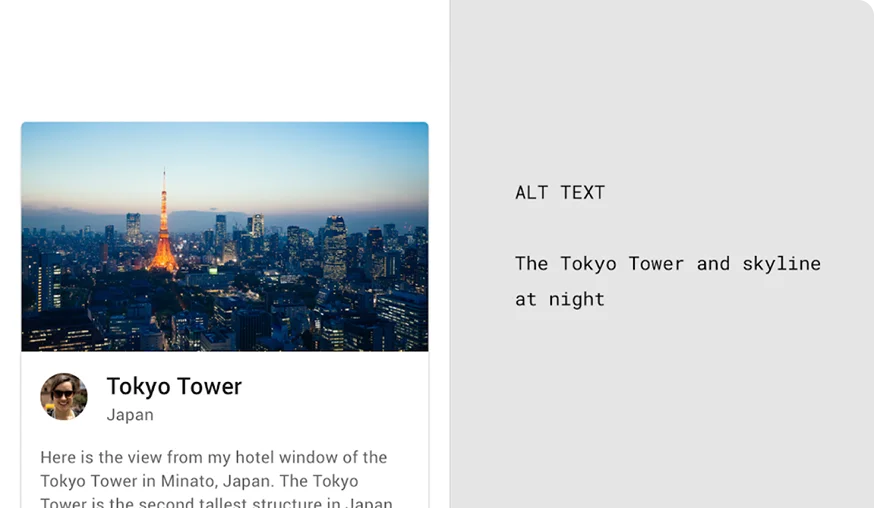
The alt text clearly describes what’s in the image, including the main object (Tokyo Tower) and its context (the city skyline at night).
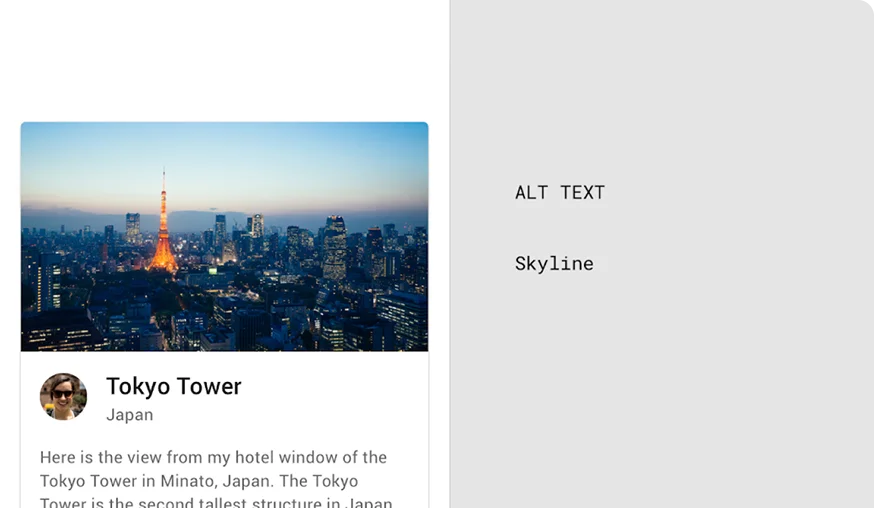
“Skyline” alone is too vague and doesn’t provide enough information for accessibility purposes.
- For long descriptions, use captions instead of alt text since they are available to all users and alt text is limited to 125 characters.
- Caution: If alt text and captions repeat the same content, screen reader users may be slowed down.
Keep Alt Text concise and relevant
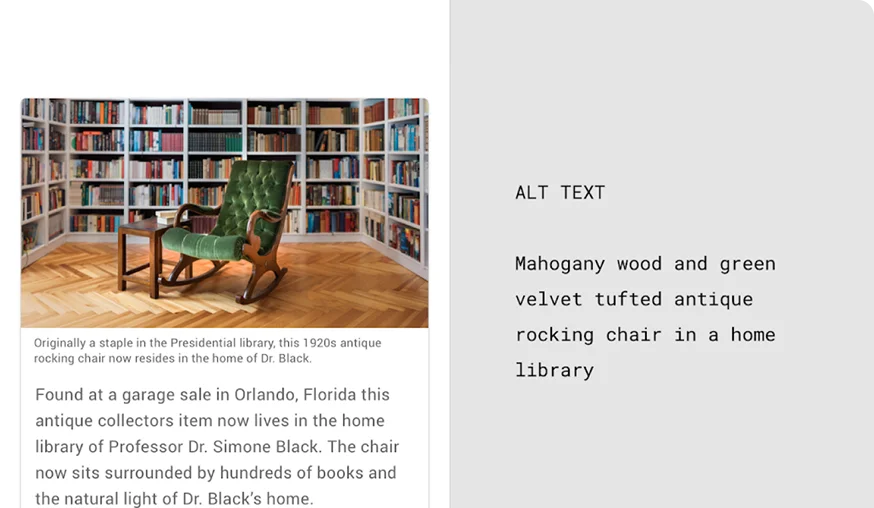
The alt text is short, focused, and provides the essential information: type of chair, materials, color, and setting.
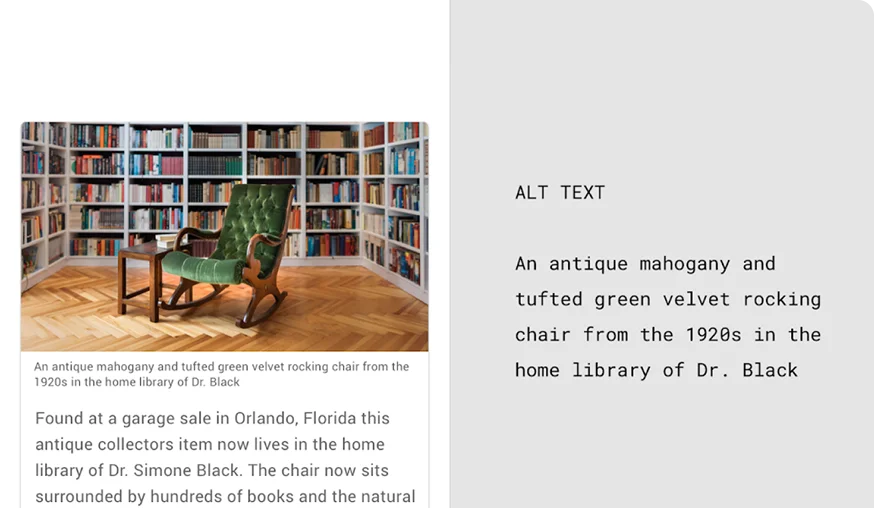
This version is too long and includes excessive detail (historical context, owner’s name) - alt text should be concise so screen readers can convey the main information efficiently.
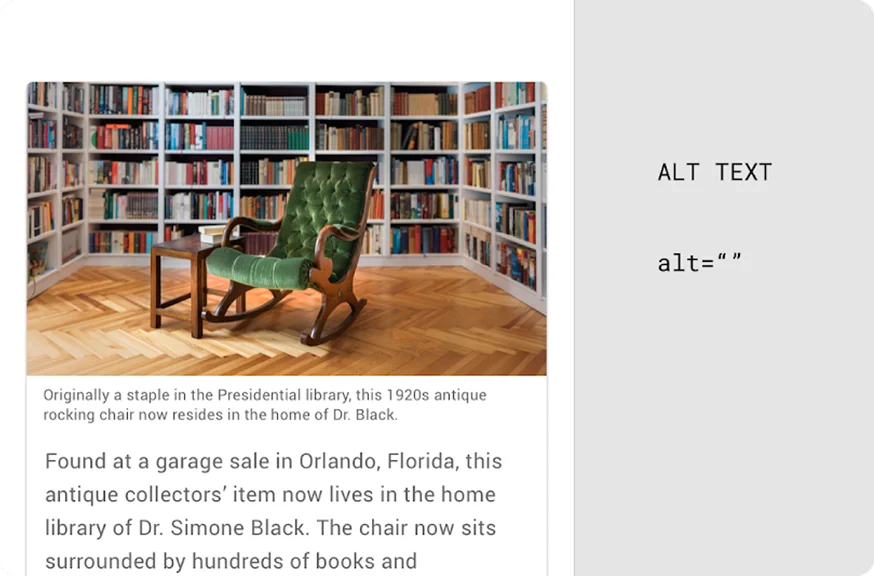
Adjacent text or body text is the text next to the image that can explain the image within a narrative. If the adjacent text explains the asset, then alt text may not be needed and the alt tag can be left empty (alt=””). If leaving the alt tag empty, remove the imagery file name if it appears.
Testing
Testing alternative text is a key part of ensuring accessibility in our mobile applications. By verifying that images and non-text content include meaningful alternative text, we ensure that important information is accessible to users who rely on screen readers. Our testing protocols include:
Visual Inspections
Our testing team performs manual testing by navigating through the app and reviewing images and non-text elements to ensure that appropriate and descriptive alternative text is provided.