

Note: Activity timer provides approximate time tracking and is intended for general productivity purposes only. It should not be used for time tracking that has legal, financial, or compliance implications.
Anatomy
Learn about the individual parts of Activity timer.
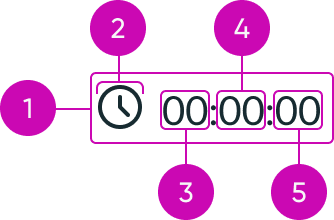
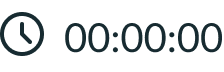
- Pill: Container that displays the timer and icon.
- Icon: Icon that appears at the beginning of the timer; the icon size is proportional to the size of the digits.
- Hours: Displays the number of full hours elapsed as a two-digit number ranging from 00 to 23; at 24 or more hours, the display changes to a days.HH:mm:ss format, where the hours digits reset to 00 and a day counter appears as a prefix. For example: 1.01:30:00 represents 25 hours and 30 minutes.
- Minutes: Displays the number of full minutes that have elapsed within a current hour; displayed as a two-digit number ranging from 00 to 59.
- Seconds: Displays the number of full seconds that have elapsed within a current minute; displayed as a two-digit number ranging from 00 to 59.
Usage
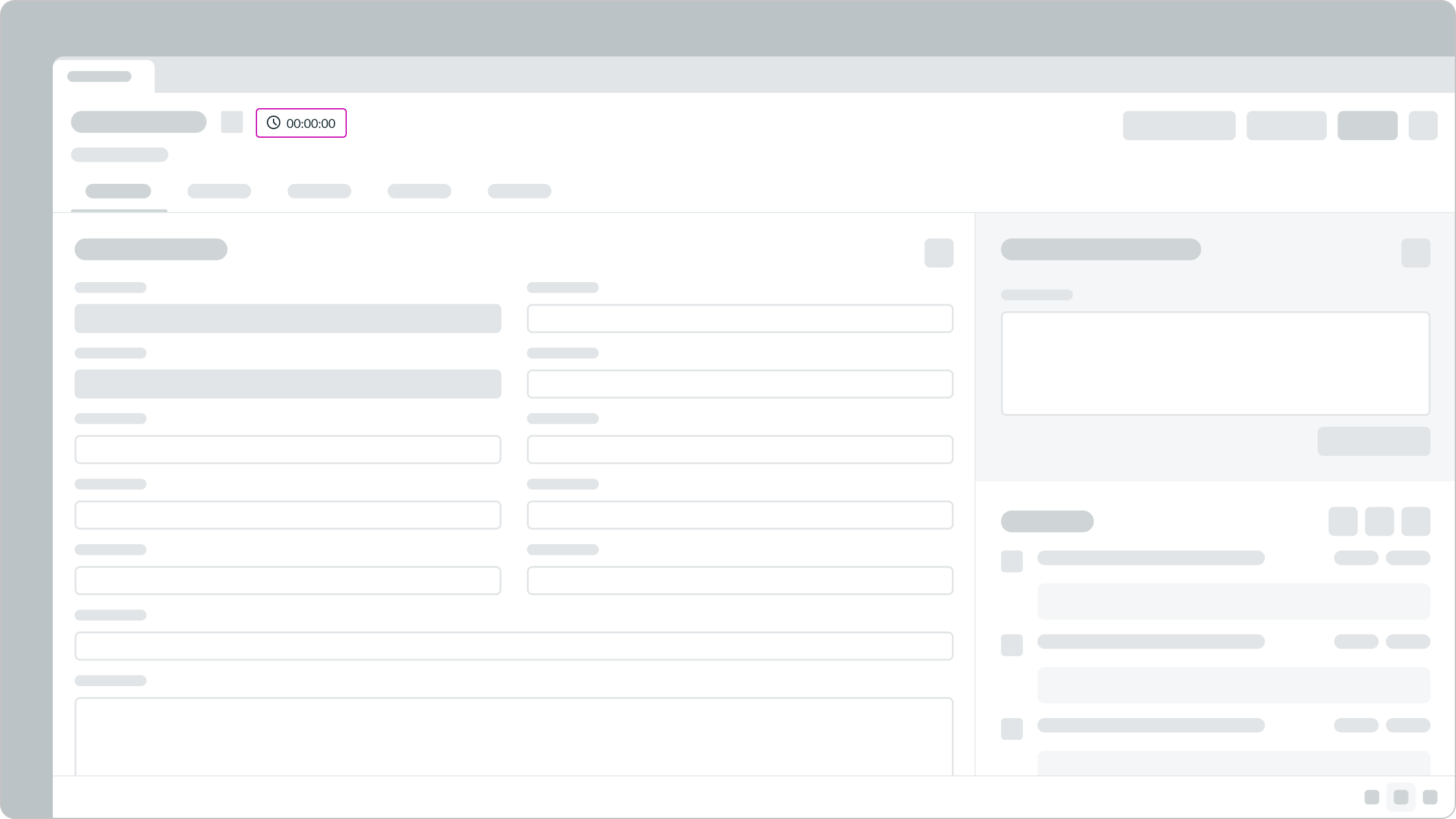
Use activity timer to capture how long a user spends on an activity, such as working on a record or resolving customer issues through chat. The component displays the timer pill on the page and creates time log entries as time is tracked.
Configurations
You can configure which record and user the activity timer tracks by setting the table, Sys ID, and user values.
Toggle timer
Starts the timer when enabled and stops the timer when disabled.
Source
A string that identifies the context in which the timer was triggered, such as a workspace, portal, or experience name. The value is stored with the corresponding timelog entry.
Attributes
You can include custom metadata with each time log by passing a JSON object of additional attributes you want recorded. For example, {"state":"In progress"}.
Behavior
Learn how activity timer behaves when the display changes or a user interacts with the component.
Interactions
Learn how activity timer responds when a user interacts with it.
Timer
The timer appears as a pill that displays the elapsed time. It starts and stops based on the configuration you define for the component.
Timelogs
Each time the activity timer starts and stops, the component automatically creates time log entries associated with the user and the record.
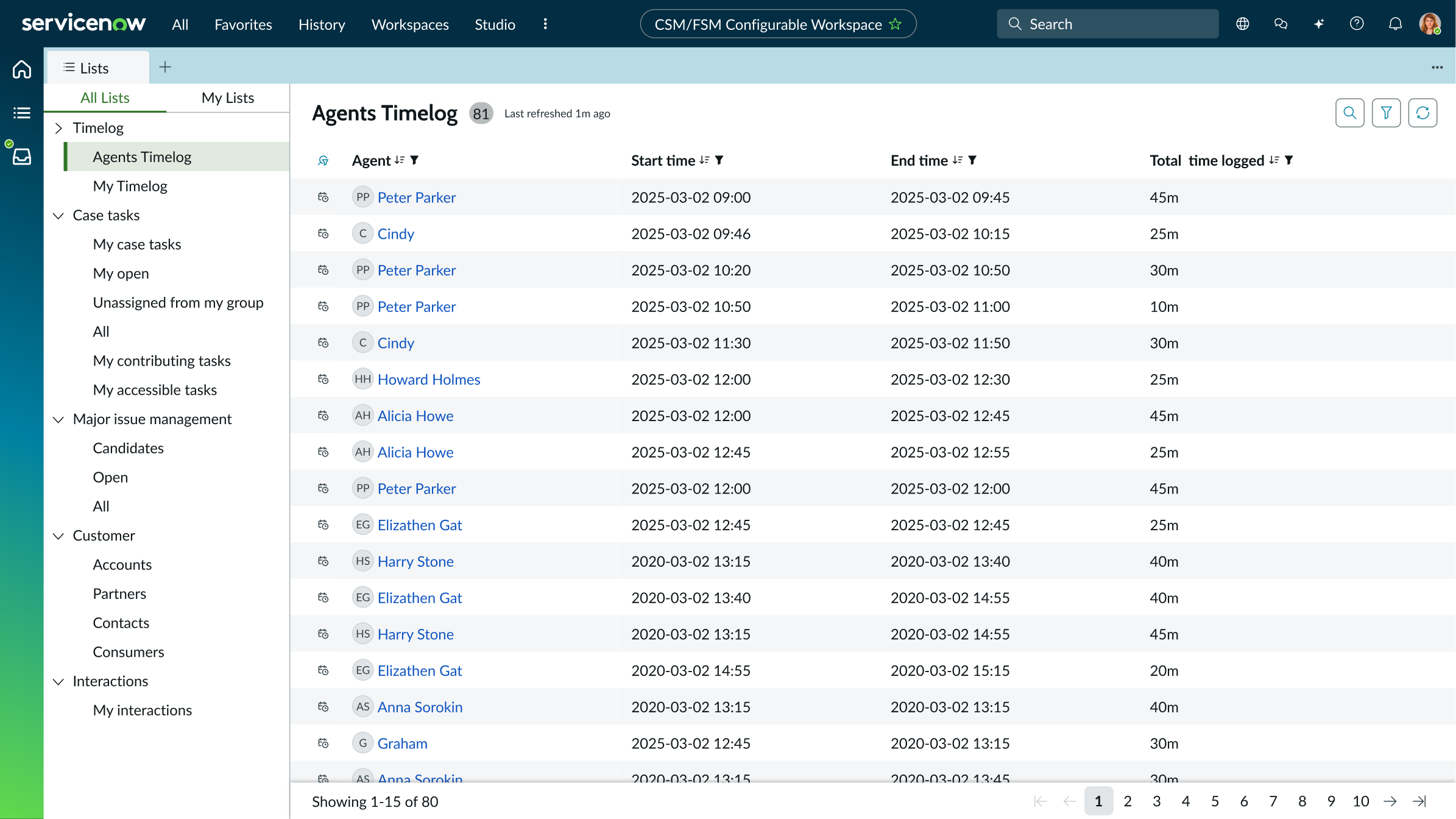
Timelog entries recorded for all users.
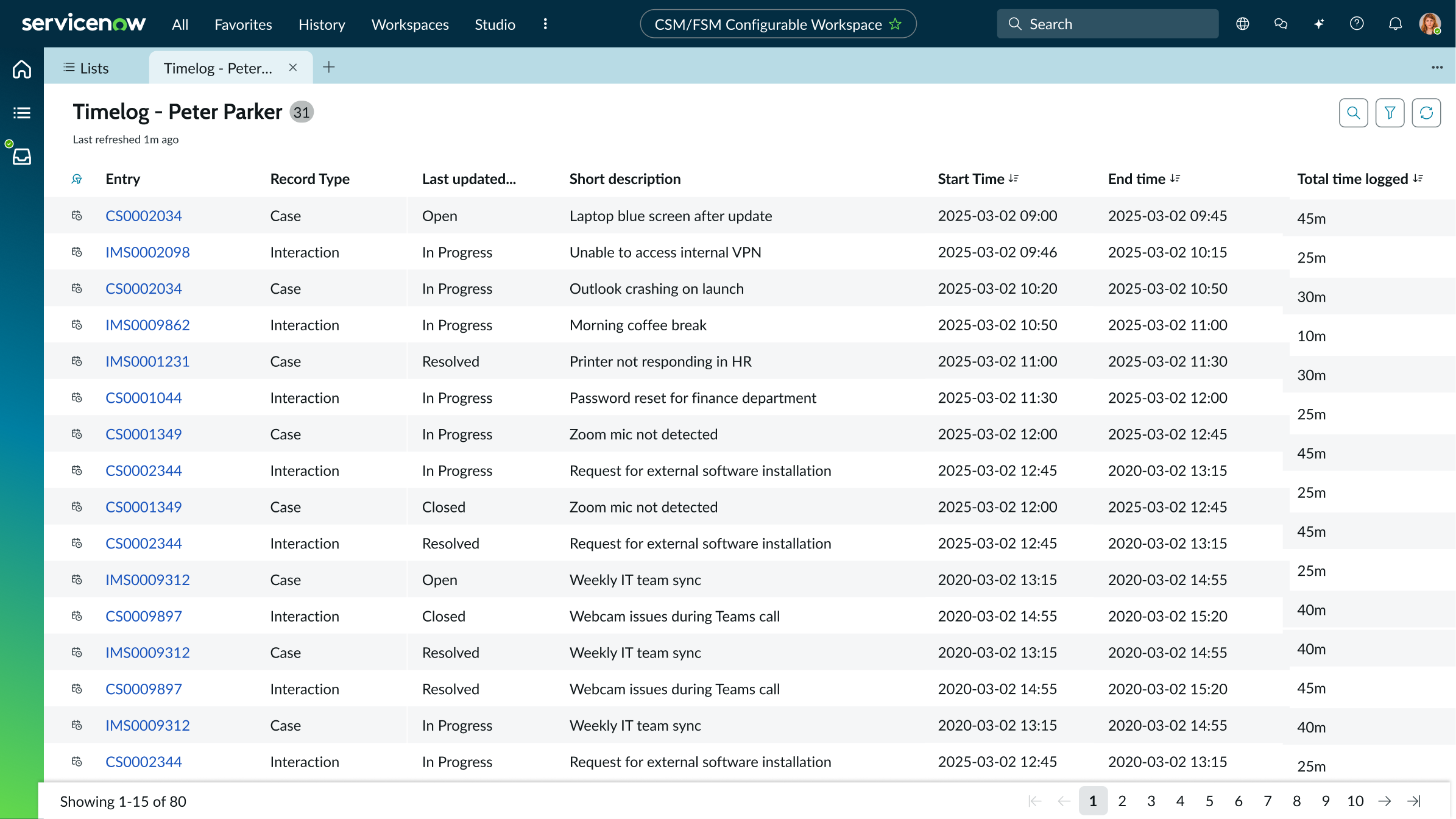
Timelog entries recorded for a single user.
Usability
Activity timer complies with all internationalization and accessibility requirements.
Internationalization
The timer remains the same in both left-to-right and right-to-left languages.
Accessibility
Learn how to access the actionable elements of activity timer through keyboard interactions and screen readers.
Keyboard interactions
Activity timer is a display-only component and does not receive keyboard focus.
Screen readers
When you apply ARIA labels to a component, screen readers announce the label and current timer value when the component receives focus. The timer value is not announced continuously as it updates.