Introduction
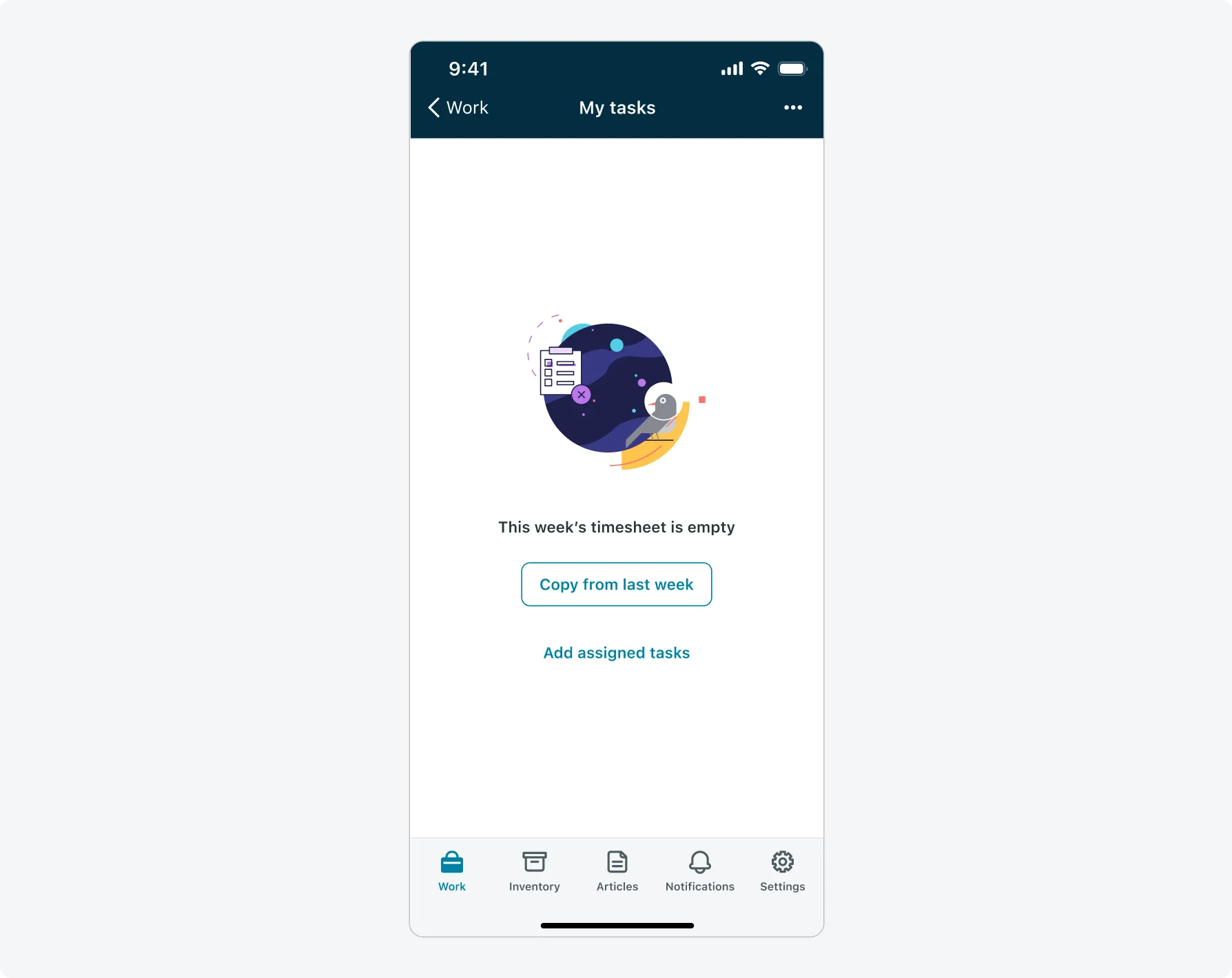
Empty states are moment in a user’s experience when there is no data to display on the screen. A useful empty state will let the user know what’s happening, why it’s happening, and what to do about it.
ServiceNow® mobile apps come with a default empty state which is displayed in all screens which do not contain data. You can configure this default empty state to suit your requirements. You can also configure different empty states for particular lists, map, or calendar screens.
Different empty states exist for search results. A default one is displayed when a search for a term does not produce any results.
When an empty state is not defined for specific screens the default empty state is used.
- Try to use the same template on all your screens for a coherent user experience.
- Consider adding an action to an empty state to assist in the user flows and what he should do next. For example, for My requests list consider adding “Open new request”.
- Define an empty state per screen to create a message relevant to the specific page the user is viewing. You can provide a heading, descriptive text and up to 3 buttons to trigger functions in global context.