

Design at ServiceNow is constantly evolving—Figma features, internal tools & processes, and AI are the catalysts for change. It's a challenge to help our team of over 500 designers adopt changes smoothly. That's why we developed the Design Enablement Playbook. These are the approaches we apply to every new tool, process, or resource we bring to the organization.
To show how this playbook comes to life, let's take a look at how we rolled out Figma Make. Figma Make fundamentally changes how designers work, so we ensured the rollout was intentional and that every designer felt supported through the resources we created.
1. Provide multiple ways to learn
Designers learn in different ways, so we make sure our training meets them where they are. Some prefer to dive in and experiment. Others like live sessions or quick videos. Our multimodal approach allows designers to engage in the way that suits them best.
Pilot Programs
Before scaling to support the full organization, we partnered with a small group of designers to run a pilot during the Figma Make beta. Since our enablement team isn’t directly involved in building product, we lean on our Figma advocates and Design Enablement Council (a cross-functional group with design representatives of each business unit) across the org to help evaluate beta features in the context of real work. Their early testing and workflow exploration helped us discover practical use cases and opportunities for enablement.
Contextual Playgrounds
Figma’s playgrounds are a strong starting point, but our designers need enterprise-specific context to make the learning stick and see the benefits for their workflows. We began creating custom playgrounds during our initial rollout of Figma Variables and found that designers greatly benefited from practicing new features within our design system and real ServiceNow scenarios.
In the context of Figma Make, we were able to show how quickly designers can take existing ServiceNow screens and bring them to life using Make.
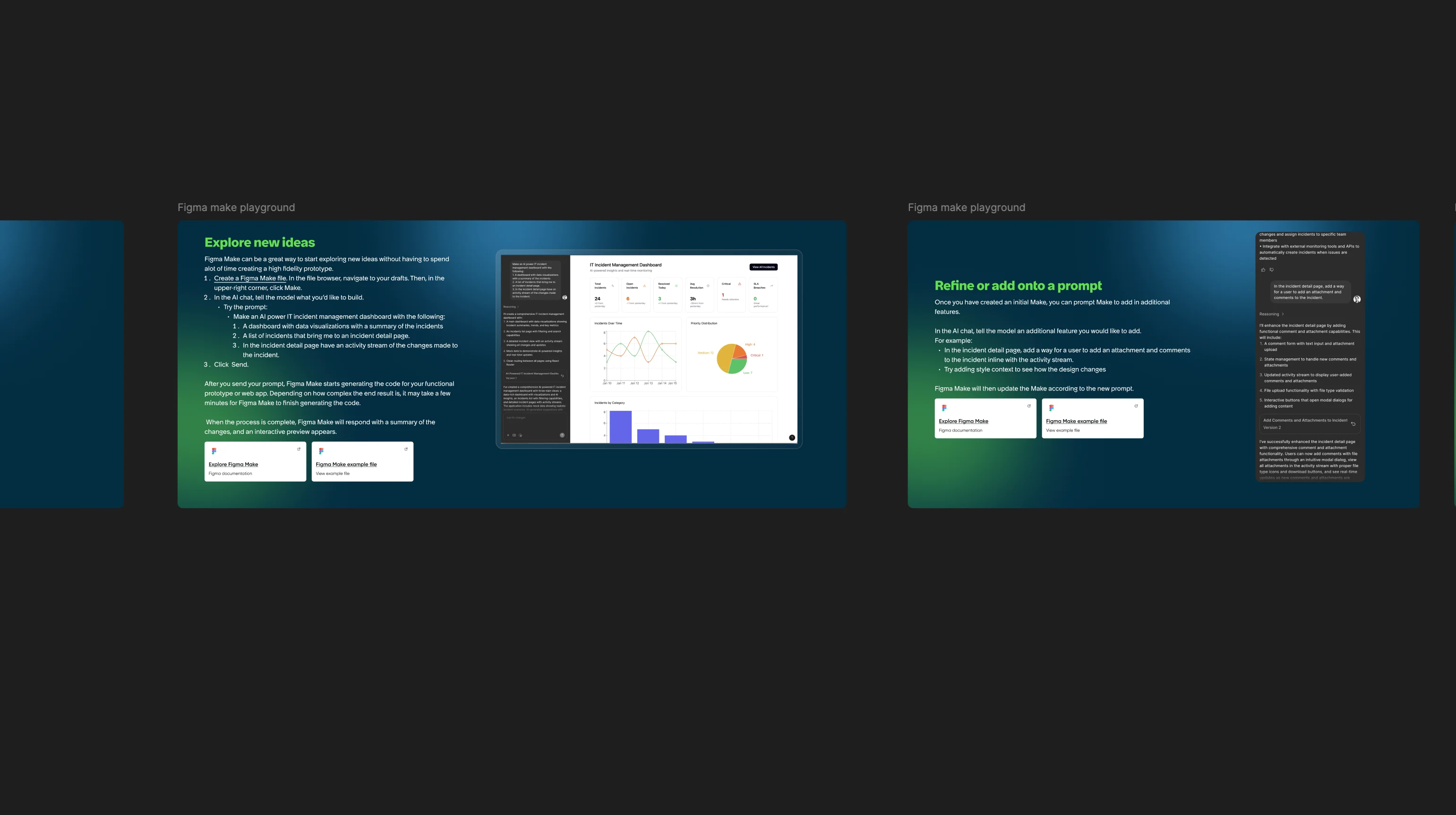
A portion of our playground created for Figma Make.
Live Walkthroughs + Q&A
Alongside the playgrounds, we run sessions that let designers try the tool for themselves. We start with a short presentation and demo then have the designers go through the playground themselves. They can ask questions as they go, and have conversations about other ways it could be applied. This helps inform our additional documentation that we create down the line.
Async Video Tutorials
To support designers who may have missed sessions, are new to the team, or want a refresher, we created Enablement Shorts, brief, easy-to-consume video tutorials that walk through key features and use cases.
2. Give designers dedicated time to experiment
Focus Days
Focus Days are meeting-free days dedicated to deep work and skill-building across our product, design, and engineering org. During these days, we provide designers with clear areas to focus on. After Figma Make became generally available, we introduced a playground and a curated set of resources to help designers start exploring the tool.
Re:Mix Experimentation Time
This year, our Design Enablement team supported our very first Re:Mix (Regional Mixers) event, a three-day, hands-on, cross-functional experience focused on exploring AI tools like Copilot and Figma Make in designers’ everyday work. The event gave designers dedicated time to experiment with the tools, as well as the opportunity to work through simulated scenarios that applied them in real-world contexts.
As part Re:Mix, designers shared their prompts and rated the results, providing us with insights to identify and document best practices for prompting these tools effectively.
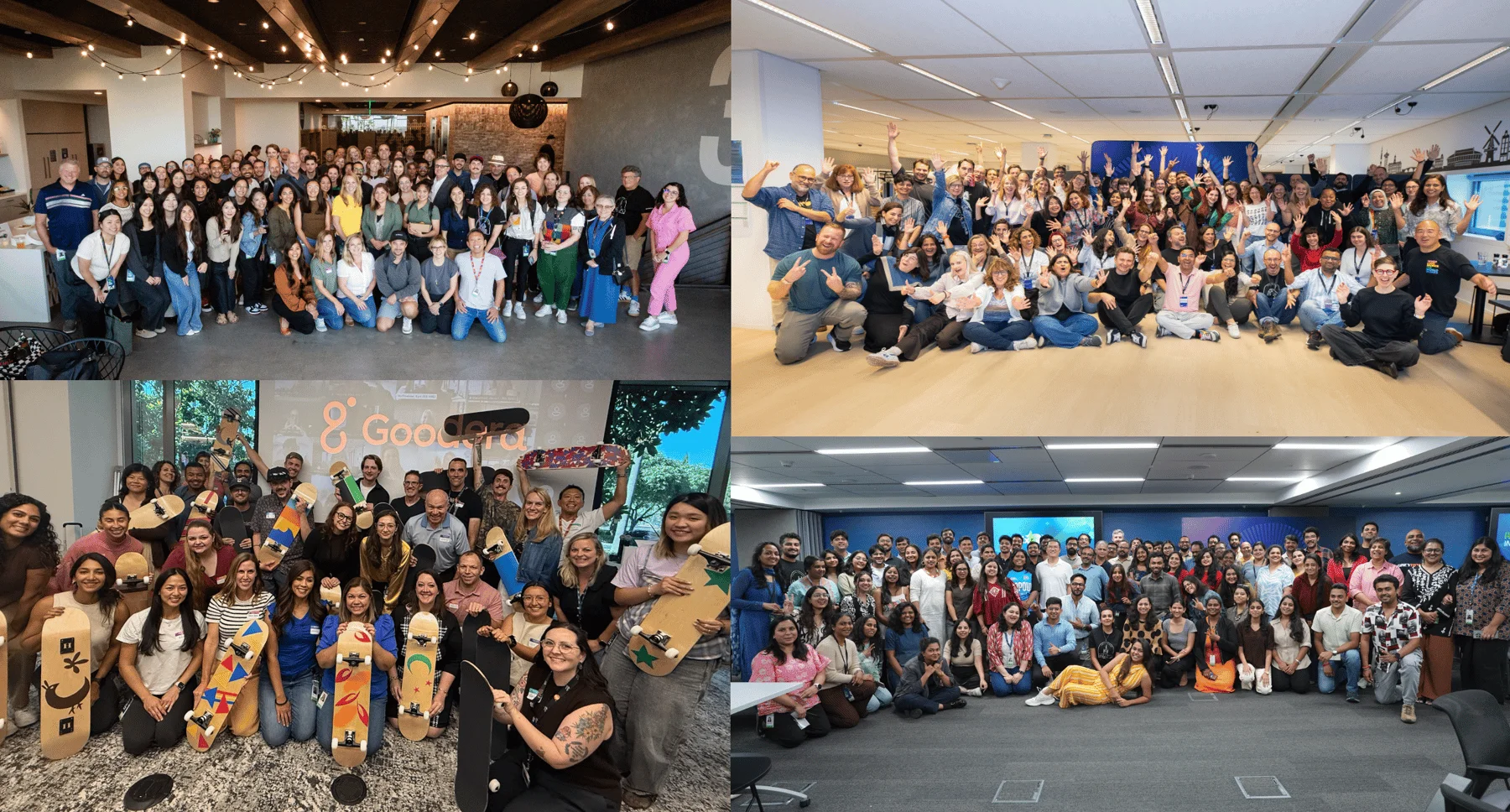
Our Re:Mix event across San Diego, Amsterdam, Hyderabad, and virtually.
3. Document what we learn
Horizon is ServiceNow’s one-stop shop for design enablement. On the internal version of the site, our teams have access to employee-focused guidance for using tools like Figma in the ServiceNow context. This is also where we captured insights from Re:Mix, creating a centralized hub for all things Figma Make, including best practices, prompting guidance, and links to videos, playgrounds, and other resources.
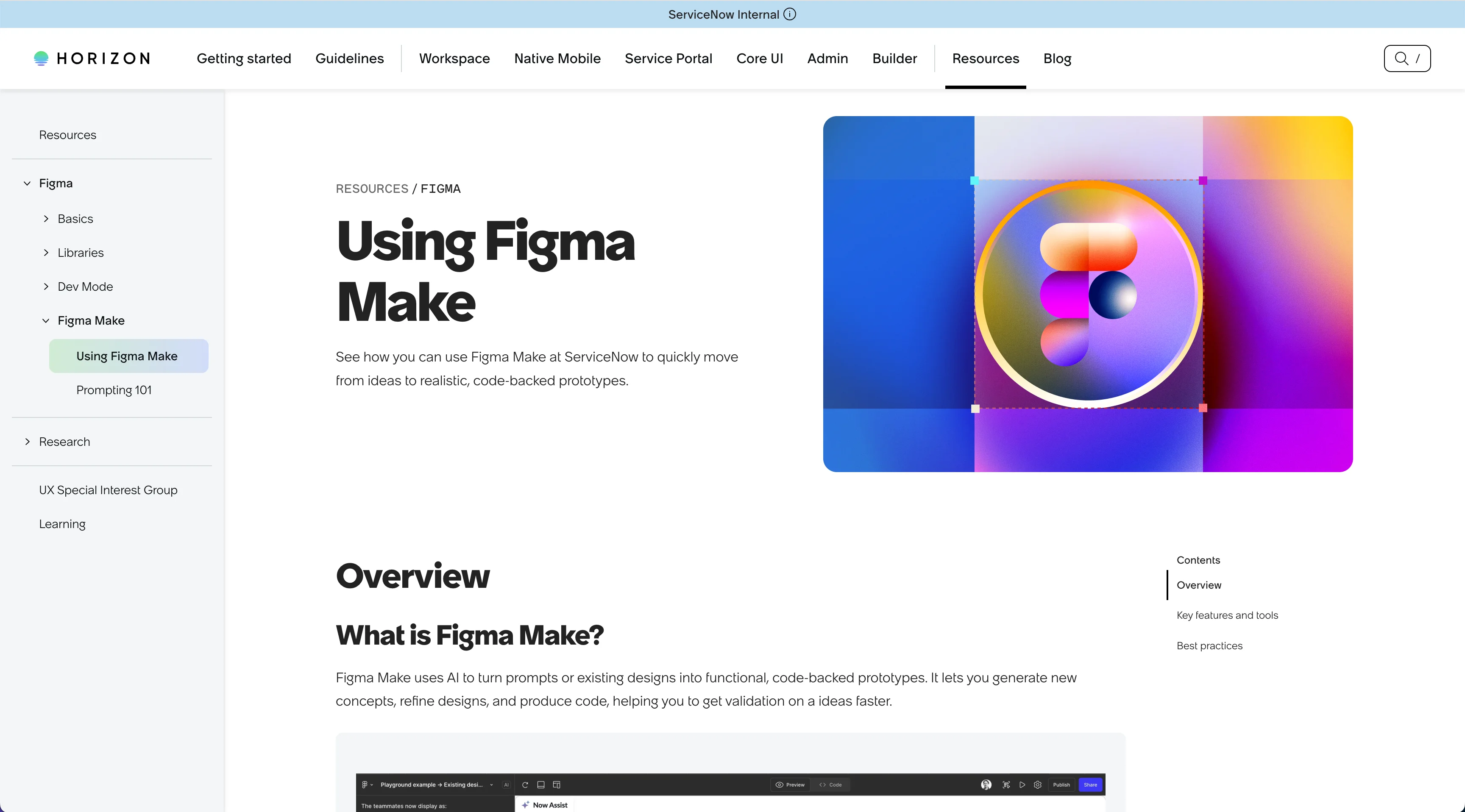
Our internal Horizon page dedicated to Figma Make.
4. Share learnings across the organization
Tools are evolving fast, and AI features are changing the way designers work. To keep everyone connected, we created spaces where designers can share discoveries, updates, and creative ideas.
Knowledge-Sharing Teams Channel
Our Figma channel is the go-to place for designers to chat about new use cases, updates, and questions as they experiment with tools.
Shared Figma Project
We also maintain a shared and open Figma project where any designer can drop their Figma Make creations. Others can explore these files for inspiration and even peek at the prompting history to see how results were achieved.
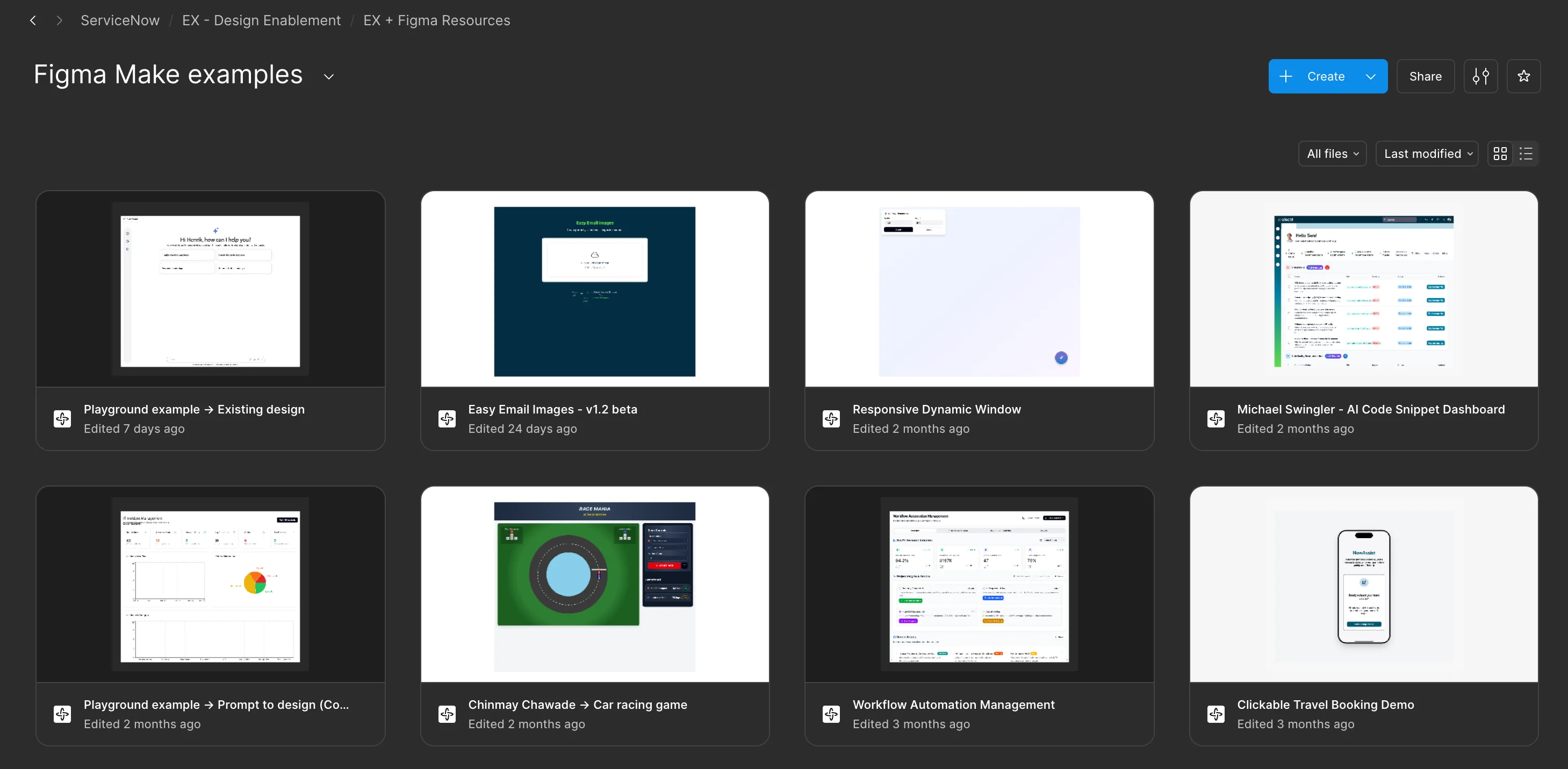
Our open Figma Make example project.
5. Spread resources through org-wide communication
With an organization as big as ServiceNow, it's challenging for designers to focus on every resource and tool available to them. We rely on two primary ways to keep designers in sync: our Design Enablement Council and The Gradient (a monthly wrap up of all things design enablement). Stay tuned for a deeper dive into the council and The Gradient in an upcoming blog post.
Growing together
Enabling new tools is about helping designers feel confident, supported, and inspired to explore what’s possible. When designers have the freedom to experiment, learn in the way that suits them, and share what they discover, it sparks new ideas and accelerates adoption across the organization.
Our work with Figma Make is a strong example of that. By giving designers space to explore, providing clear guidance, and creating channels to share their insights, we’ve seen how quickly curiosity can turn into meaningful impact.
As new capabilities continue to emerge, we’ll continue to evolve our enablement practices. Enabling designers isn’t a one-time effort. It’s an ongoing investment in the future of our craft, and we’re excited to keep building on what we’ve learned.